
Target Audience: EMDR Therapists & Mental Health Clinicians
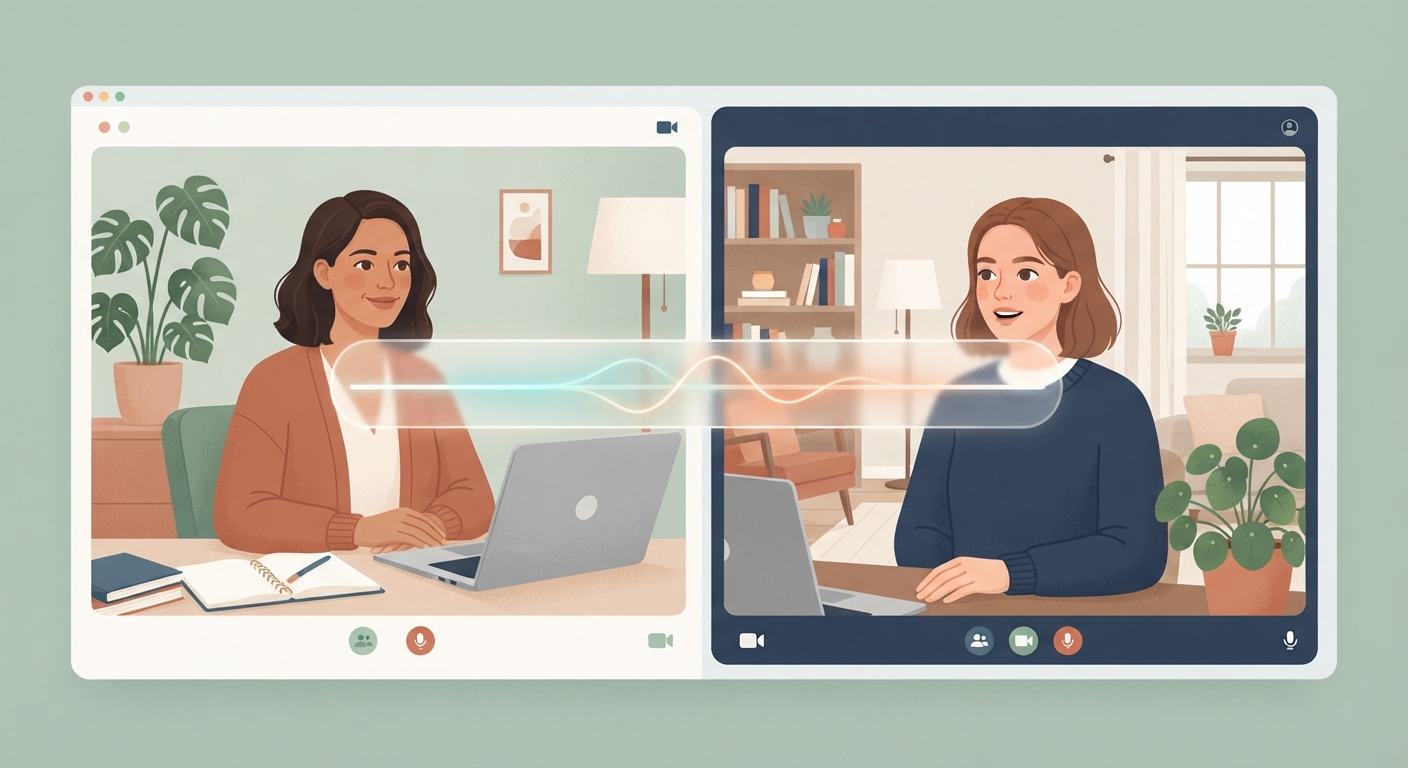
Moving Eye Movement Desensitization and Reprocessing (EMDR) into remote and hybrid care has expanded access to trauma treatment for clients who face geographic barriers, mobility constraints, or scheduling demands. Yet running bilateral stimulation (BLS) through a screen introduces practical variables that rarely come up in a physical office: uneven home internet connections, mismatched monitor sizes, ambient room distractions, and client fatigue from staring at a display.
When digital BLS is configured thoughtfully, it supports smooth dual-attention processing without pulling the client out of adaptive memory networks. When it is left to chance, choppy frame rates, overly wide visual tracks, or abrupt audio cues can stall processing or increase overwhelm.
1. Calibrating Visual Bilateral Stimulation for Different Screens
Unlike a light bar or hand movements in a shared room, on-screen visual stimulation depends heavily on the client’s hardware and seating distance.
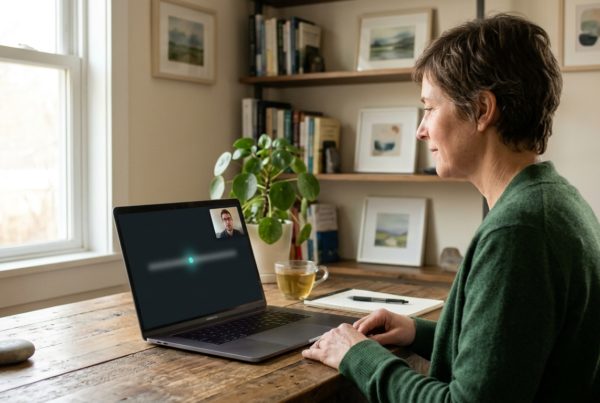
- Keep the excursion comfortable: Avoid forcing a client’s eyes all the way to the outer edges of a wide desktop monitor or ultra-wide screen. Excessive excursion can cause eye strain, neck tension, or dizziness—especially for clients who wear progressive or varifocal lenses. Aim for a smooth, natural horizontal sweep where the eyes move comfortably without straining.
- Respect frame rate and latency: Visual tracking relies on consistent motion. If a client’s connection lags or a video call compresses motion, a moving dot or shape can stutter or jump. Browser-based tools or locally rendered BLS paired with clear communication help keep pacing steady even if video quality fluctuates.
- Match contrast and size to the client: High-contrast markers on bright backgrounds can feel harsh to clients prone to migraines, sensory sensitivity, or dissociation. Softening background contrast, adjusting marker size, and testing comfort during the Preparation phase prevents surprises during Desensitization.
2. Using Auditory and Tactile Alternatives Intentionally
Visual tracking is the most familiar form of BLS, but it is not always the best fit for remote work.
- Auditory tones: Stereo audio cues offer a useful option when a client is looking away, closing their eyes to reduce visual overload, or working on a smaller screen. Always confirm left-right channel separation and set volume conservatively—sharp or loud clicks can feel jarring or startle a hypervigilant nervous system.
- Tactile or self-administered options: Depending on the clinical setup and client readiness, slower or gentler modalities—such as self-tapping (like the butterfly hug) or alternating rhythm cues—can give clients a stronger sense of agency and grounding in their own body while on camera.
- Don’t treat modalities as interchangeable by default: A client who dissociates easily may find closed-eye auditory BLS either soothing or disorienting. Check in briefly on somatic experience whenever switching modalities or intensifying sets.
3. Pacing Sets and Managing Screen Fatigue
Remote therapy often demands slightly more deliberate pacing than in-person sessions because clinicians have fewer full-body peripheral cues and clients spend more time focused on a single visual plane.
- Watch for subtle signs of overload: In a video frame, micro-shifts—such as shallow breathing, freezing, glazing over, looking away for long stretches, or sudden tension in the shoulders—matter just as much as verbal reports. Shorter sets with clear check-ins often keep clients inside their window of tolerance more reliably than long, uninterrupted runs.
- Build in transition and grounding buffers: Staring at a screen during intense affect can leave clients feeling wired or spacey at the end of a set. Leave ample room for containment, grounding, and a calm close before ending the video call, especially if the client is moving straight from session into work or family responsibilities in the next room.
- Have a low-tech backup plan: Wi-Fi drops, browser glitches, and audio dropouts happen. Having an agreed-upon backup—such as switching to audio/tactile stimulation, pausing via phone if video freezes, or moving to resourcing—keeps the session predictable if technology stumbles.
4. Setting Up a Grounded Remote Environment Together
Technology works best when paired with a predictable physical space on both sides of the call.
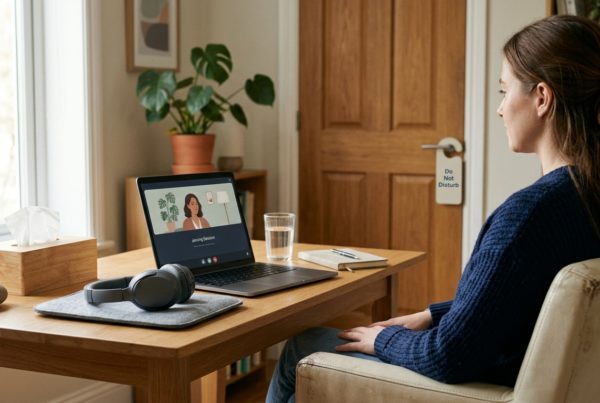
- Confirm privacy and exit options: Make sure the client has a space where they will not be overheard or interrupted mid-set, and agree on what happens if someone walks into the room unexpectedly.
- Check posture and viewing angle: Encourage a seated position where feet feel supported and the screen sits roughly at eye level so the client is not craning their neck up or down.
- Keep grounding tools within reach: Before starting reprocessing, have the client place water, a blanket, or a grounding object nearby so they do not have to scramble across a room if affect spikes.
Key Takeaway for Clinicians
Digital EMDR tools do not replace clinical attunement, case conceptualization, or phase-oriented pacing—they amplify whatever structure you bring to them. When screen geometry, sensory comfort, set length, and contingency plans are tuned to the individual client, virtual bilateral stimulation becomes a steady, reliable part of effective trauma care.
Note: This article is intended for educational purposes for mental health professionals and does not constitute clinical supervision, medical advice, or a substitute for formal EMDR training.
 English
 Nederlands
 Français
 Deutsch
 Türkçe